
标小智:LOGO 生成免费下载方法
标小智:LOGO 生成免费下载方法
小柯生成 logo
进入标小智首页 - 在线设计 logo - 选择自己喜欢的风格 - 生成 logo
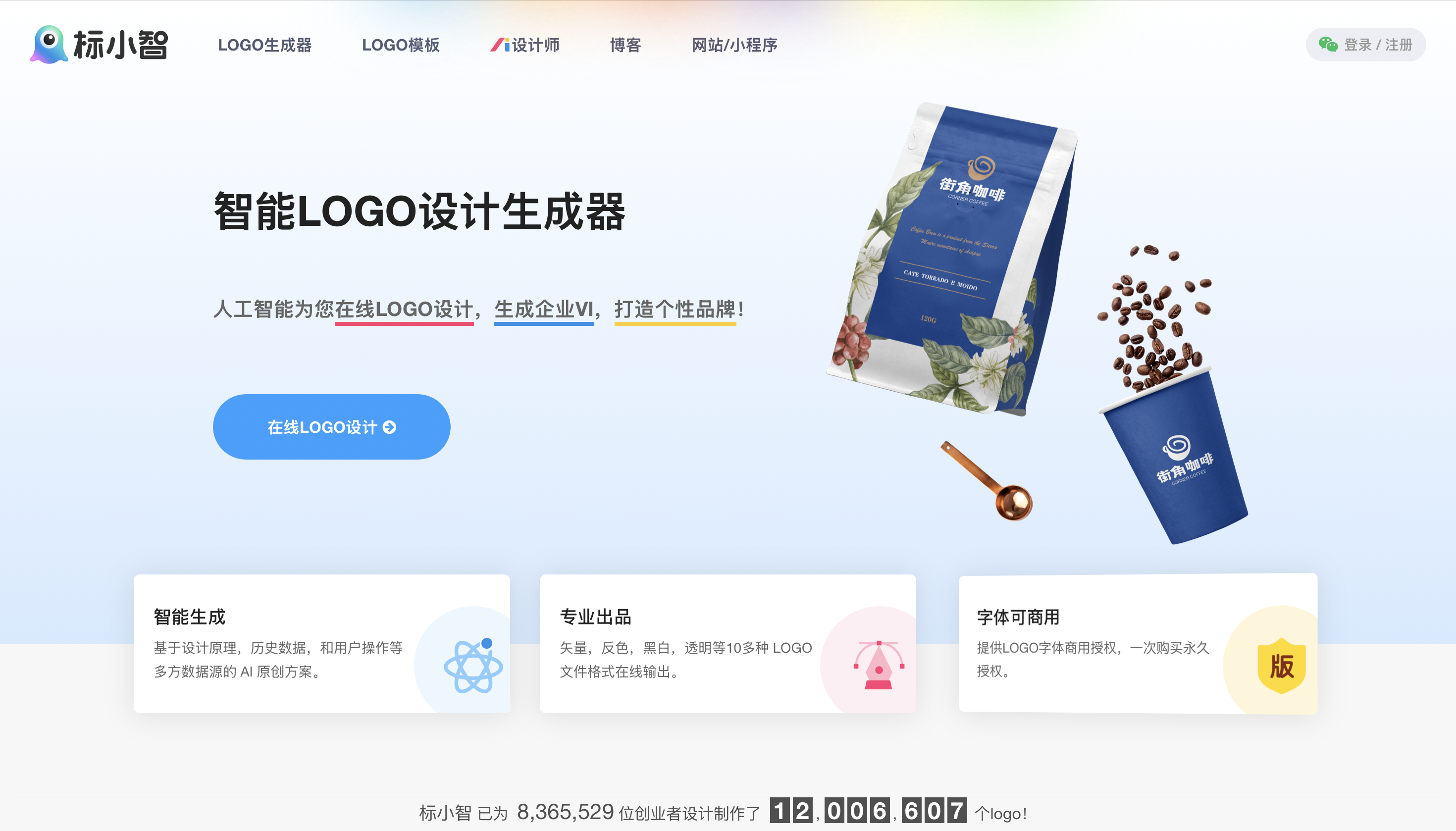
教程开始
选中自己喜欢的 logo 后,微信扫码登入账号,点击编辑,进入编辑页面按,将 logo 根据喜好二次编辑好保存。
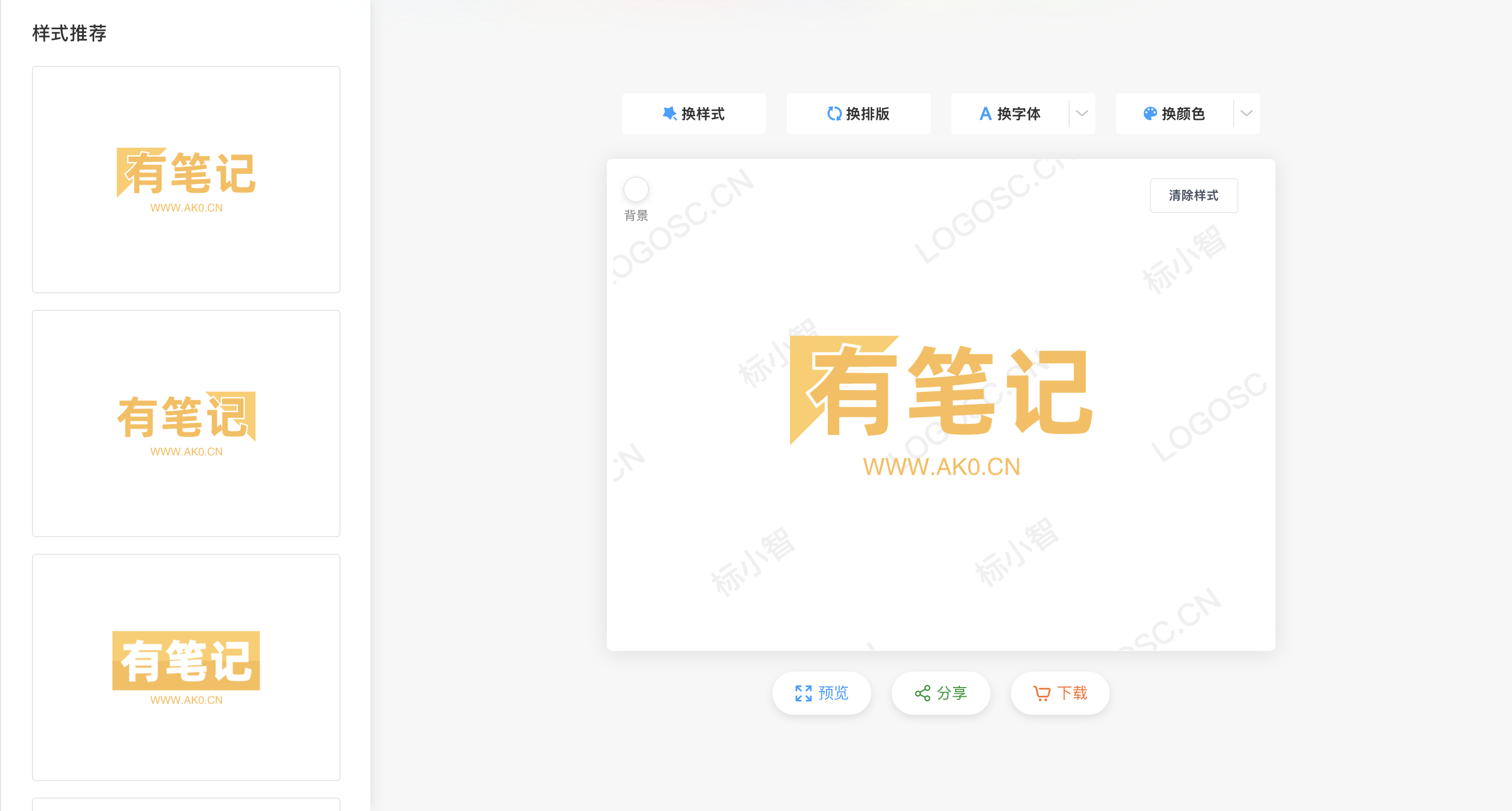
打开Chrome开发者工具(F12),或右键网页任意处选中审查元素,切换到控制台(Console)选项卡,粘贴下方代码回车,显示监控页面。
```javascript
(function() {
// 创建工具UI容器
const container = document.createElement(‘div’);
container.id = ‘api-monitor-tool’;
container.style = position: fixed; top: 10px; right: 10px; width: 380px; background: rgba(30, 30, 46, 0.95); border: 2px solid #4a9ff9; border-radius: 10px; padding: 15px; z-index: 9999; box-shadow: 0 5px 25px rgba(0, 0, 0, 0.5); color: #fff; font-family: 'Segoe UI', Tahoma, Geneva, Verdana, sans-serif; max-height: 95vh; overflow: auto; ;
// 创建标题
const title = document.createElement(‘h3’);
title.textContent = ‘API响应捕获工具 ak0.cn’;
title.style = color: #4a9ff9; margin-bottom: 15px; text-align: center; padding-bottom: 10px; border-bottom: 1px solid #4a9ff9; ;
container.appendChild(title);
// 创建状态指示器
const status = document.createElement(‘div’);
status.id = ‘monitor-status’;
status.textContent = ‘🟢 正在监控API请求…’;
status.style = margin-bottom: 15px; padding: 8px; background: rgba(0, 0, 0, 0.3); border-radius: 5px; font-size: 14px; ;
container.appendChild(status);
// 创建API列表容器
const apiListTitle = document.createElement(‘h4’);
apiListTitle.textContent = ‘捕获的API请求:’;
apiListTitle.style = ‘margin-bottom: 8px; color: #ccc;’;
container.appendChild(apiListTitle);
const apiList = document.createElement(‘div’);
apiList.id = ‘api-requests’;
apiList.style = max-height: 150px; overflow-y: auto; margin-bottom: 15px; background: rgba(0, 0, 0, 0.3); border-radius: 5px; padding: 10px; ;
const placeholder = document.createElement(‘div’);
placeholder.id = ‘api-placeholder’;
placeholder.textContent = ‘等待API请求…’;
placeholder.style = ‘color: #888; text-align: center; padding: 10px;’;
apiList.appendChild(placeholder);
container.appendChild(apiList);
// 创建响应显示区域
const responseTitle = document.createElement(‘h4’);
responseTitle.textContent = ‘目标API响应:’;
responseTitle.style = ‘margin-bottom: 8px; color: #ccc;’;
container.appendChild(responseTitle);
const responseContent = document.createElement(‘div’);
responseContent.id = ‘api-response’;
responseContent.style = height: 150px; overflow-y: auto; background: rgba(0, 0, 0, 0.3); border-radius: 5px; padding: 10px; margin-bottom: 15px; white-space: pre-wrap; font-family: monospace; font-size: 13px; ;
responseContent.textContent = ‘选择上方的API请求查看响应 ak0.cn’;
container.appendChild(responseContent);
// 创建按钮容器
const buttonContainer = document.createElement(‘div’);
buttonContainer.style = ‘display: flex; gap: 10px; margin-bottom: 15px;’;
// 复制响应按钮
const copyResponseBtn = document.createElement(‘button’);
copyResponseBtn.textContent = ‘复制响应’;
copyResponseBtn.style = flex: 1; background: linear-gradient(135deg, #4a9ff9, #2a75c9); color: white; border: none; padding: 8px; border-radius: 5px; cursor: pointer; ;
buttonContainer.appendChild(copyResponseBtn);
// 复制imgSource按钮
const copyImgBtn = document.createElement(‘button’);
copyImgBtn.textContent = ‘复制imgSource’;
copyImgBtn.style = flex: 1; background: linear-gradient(135deg, #9f4af9, #752ac9); color: white; border: none; padding: 8px; border-radius: 5px; cursor: pointer; ;
buttonContainer.appendChild(copyImgBtn);
// 清除记录按钮
const clearBtn = document.createElement(‘button’);
clearBtn.textContent = ‘清除记录’;
clearBtn.style = background: linear-gradient(135deg, #f94a4a, #c92a2a); color: white; border: none; padding: 8px; border-radius: 5px; cursor: pointer; ;
buttonContainer.appendChild(clearBtn);
container.appendChild(buttonContainer);
// 创建图片预览区域
const previewTitle = document.createElement(‘h4’);
previewTitle.textContent = ‘Logo预览,右键图片保存:’;
previewTitle.style = ‘margin-bottom: 8px; color: #ccc;’;
container.appendChild(previewTitle);
const imgPreview = document.createElement(‘img’);
imgPreview.id = ‘img-preview’;
imgPreview.style = max-width: 100%; max-height: 200px; display: block; margin: 0 auto; border-radius: 5px; border: 1px solid #4a9ff9; ;
imgPreview.alt = ‘Logo预览’;
container.appendChild(imgPreview);
// 添加容器到页面
document.body.appendChild(container);
// 存储捕获的API请求
const apiRequests = [];
const targetApiUrl = ‘https://www.logosc.cn/api/generateLogoImg‘;
// 保存原始fetch方法
const originalFetch = window.fetch;
// 拦截fetch请求
window.fetch = async function(url, options) {
const response = await originalFetch.apply(this, arguments);
// 克隆响应以便后续处理
const clonedResponse = response.clone();
try {
const data = await clonedResponse.json();
// 存储API请求信息
const requestInfo = {
url: url,
method: options?.method || ‘GET’,
status: response.status,
response: data,
timestamp: new Date().toLocaleTimeString()
};
apiRequests.push(requestInfo);
updateRequestsList();
// 如果是目标API,更新响应显示
if (url.includes(targetApiUrl)) {
updateResponseDisplay(requestInfo);
}
} catch (error) {
console.error(‘解析响应失败:’, error);
}
return response;
};
// 拦截XMLHttpRequest
const originalXHR = window.XMLHttpRequest;
window.XMLHttpRequest = function() {
const xhr = new originalXHR();
const originalOpen = xhr.open;
const originalSend = xhr.send;
let requestUrl = ‘’;
xhr.open = function(method, url) {
requestUrl = url;
return originalOpen.apply(this, arguments);
};
xhr.send = function(body) {
const originalOnload = xhr.onload;
xhr.onload = function() {
if (xhr.readyState === 4 && xhr.status >= 200 && xhr.status < 300) {
try {
const data = JSON.parse(xhr.responseText);
// 存储API请求信息
const requestInfo = {
url: requestUrl,
method: ‘GET’, // 简化处理,实际应为请求方法
status: xhr.status,
response: data,
timestamp: new Date().toLocaleTimeString()
};
apiRequests.push(requestInfo);
updateRequestsList();
// 如果是目标API,更新响应显示
if (requestUrl.includes(targetApiUrl)) {
updateResponseDisplay(requestInfo);
}
} catch (error) {
console.error(‘解析响应失败:’, error);
}
}
if (originalOnload) {
originalOnload.apply(this, arguments);
}
};
return originalSend.apply(this, arguments);
};
return xhr;
};
// 更新请求列表显示
function updateRequestsList() {
const apiListElement = document.getElementById(‘api-requests’);
const placeholder = document.getElementById(‘api-placeholder’);
if (placeholder && apiRequests.length > 0) {
placeholder.remove();
}
apiListElement.innerHTML = ‘’;
apiRequests.forEach((req, index) => {
const isTarget = req.url.includes(targetApiUrl);
const requestItem = document.createElement(‘div’);
requestItem.className = ‘request-item’;
requestItem.style = padding: 8px; margin-bottom: 5px; border-radius: 4px; background: ${isTarget ? 'rgba(74, 159, 249, 0.2)' : 'rgba(255, 255, 255, 0.05)'}; border-left: 3px solid ${isTarget ? '#4a9ff9' : '#666'}; cursor: pointer; font-size: 13px; overflow: hidden; text-overflow: ellipsis; white-space: nowrap; ;
requestItem.title = ${req.method} ${req.url};
requestItem.textContent = ${req.method} ${req.url} [${req.status}] - ${req.timestamp};
requestItem.addEventListener(‘click’, () => {
updateResponseDisplay(req);
});
apiListElement.appendChild(requestItem);
});
}
// 更新响应显示
function updateResponseDisplay(requestInfo) {
const responseElement = document.getElementById(‘api-response’);
const previewImg = document.getElementById(‘img-preview’);
try {
// 格式化JSON响应
const formattedResponse = JSON.stringify(requestInfo.response, null, 2);
responseElement.textContent = formattedResponse;
// 如果存在imgSource,显示图片预览
if (requestInfo.response.imgSource) {
previewImg.src = requestInfo.response.imgSource;
previewImg.style.display = ‘block’;
} else {
previewImg.style.display = ‘none’;
}
// 更新状态
document.getElementById(‘monitor-status’).textContent =
🟢 已捕获目标API响应 (${requestInfo.timestamp});
} catch (error) {
responseElement.textContent = ‘无法解析响应数据’;
previewImg.style.display = ‘none’;
}
}
// 复制响应内容
copyResponseBtn.addEventListener(‘click’, () => {
const responseContent = document.getElementById(‘api-response’).textContent;
navigator.clipboard.writeText(responseContent).then(() => {
showNotification(‘响应内容已复制到剪贴板!’);
});
});
// 复制imgSource
copyImgBtn.addEventListener(‘click’, () => {
const responseContent = document.getElementById(‘api-response’).textContent;
try {
const responseObj = JSON.parse(responseContent);
if (responseObj.imgSource) {
navigator.clipboard.writeText(responseObj.imgSource).then(() => {
showNotification(‘imgSource已复制到剪贴板!’);
});
} else {
showNotification(‘未找到imgSource内容’);
}
} catch (e) {
showNotification(‘无法解析响应数据’);
}
});
// 清除记录
clearBtn.addEventListener(‘click’, () => {
apiRequests.length = 0;
document.getElementById(‘api-requests’).innerHTML =
‘等待API请求…‘;
document.getElementById(‘api-response’).textContent = ‘选择上方的API请求查看响应’;
document.getElementById(‘img-preview’).style.display = ‘none’;
document.getElementById(‘monitor-status’).textContent = ‘🟢 正在监控API请求…’;
});
// 显示通知
function showNotification(message) {
const notification = document.createElement(‘div’);
notification.textContent = message;
notification.style = position: fixed; top: 20px; right: 20px; background: rgba(40, 167, 69, 0.9); color: white; padding: 12px 20px; border-radius: 5px; box-shadow: 0 5px 15px rgba(0, 0, 0, 0.3); z-index: 10000; ;
*** End Patch


喜欢这篇文章的人也看了

评论
匿名评论隐私政策